

Lenovo IdeaPad 1 Review: AMD Budget Laptop Reality Test
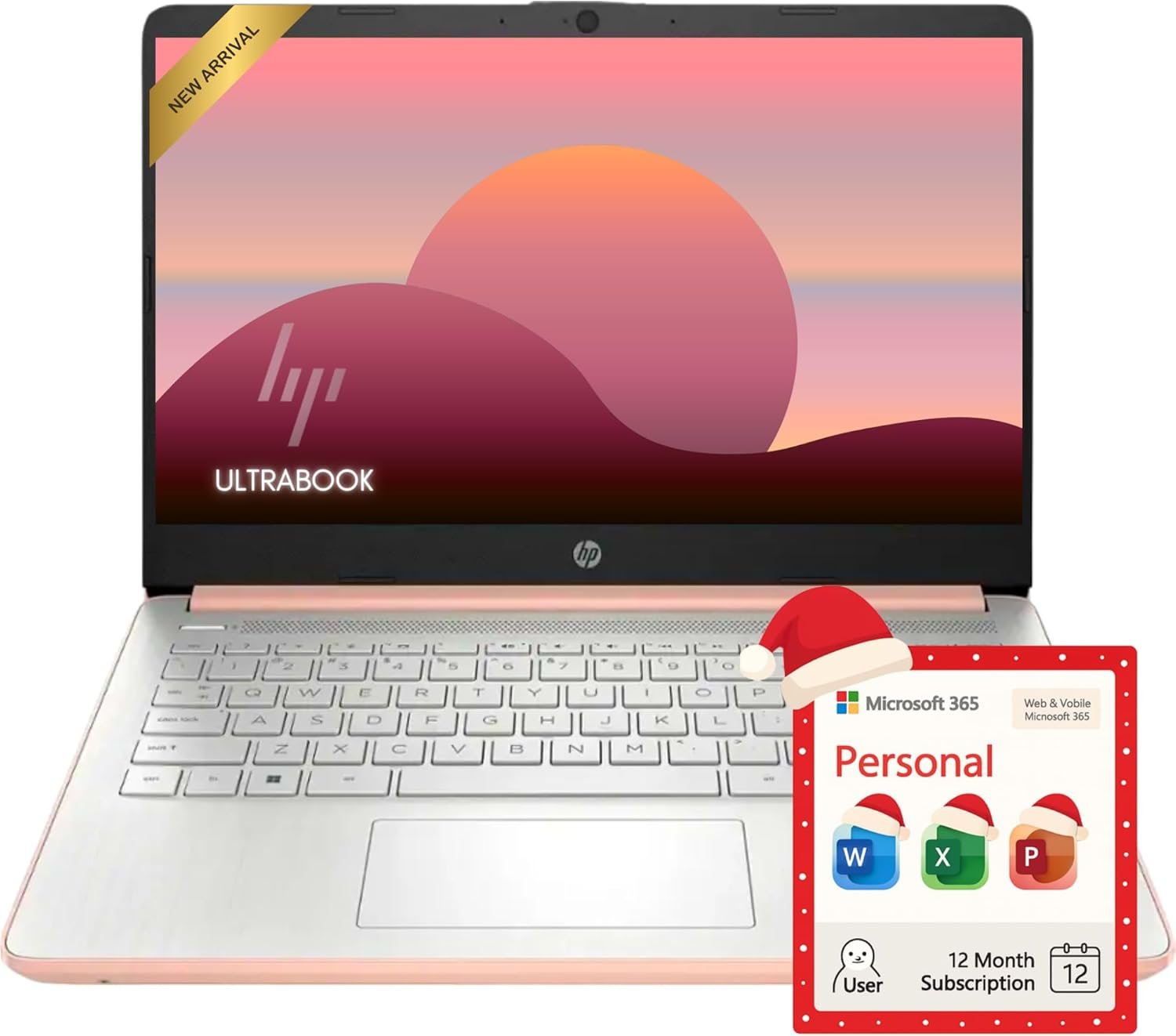
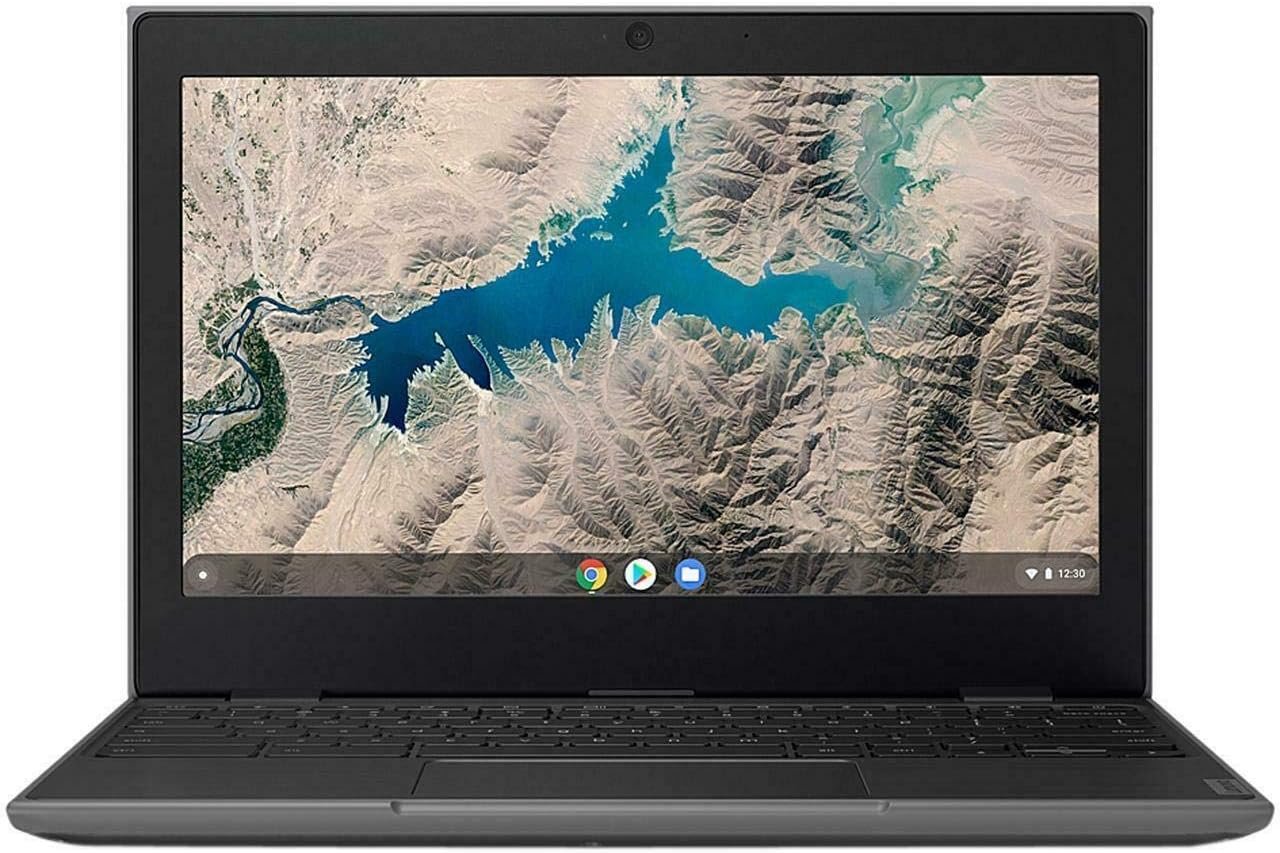
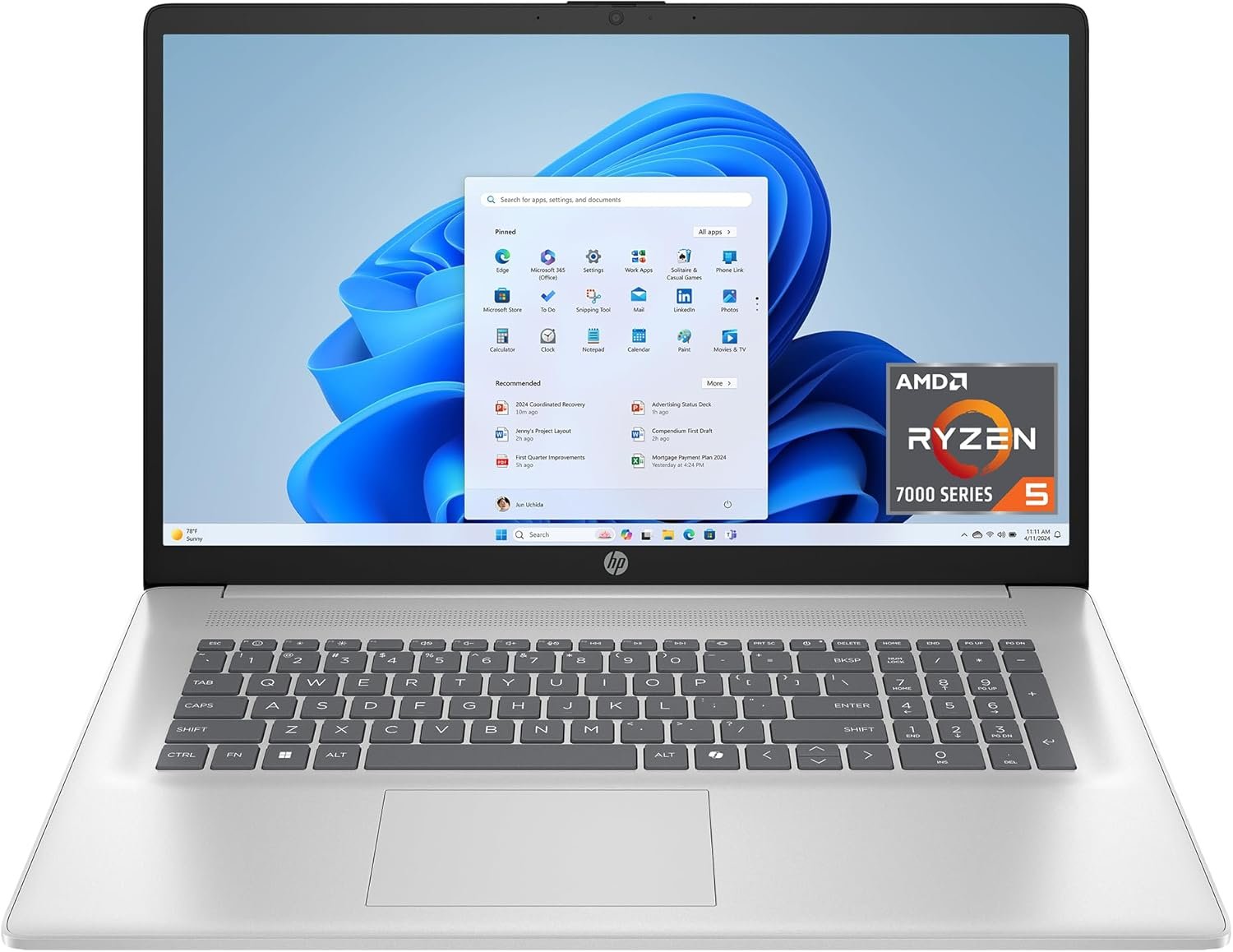
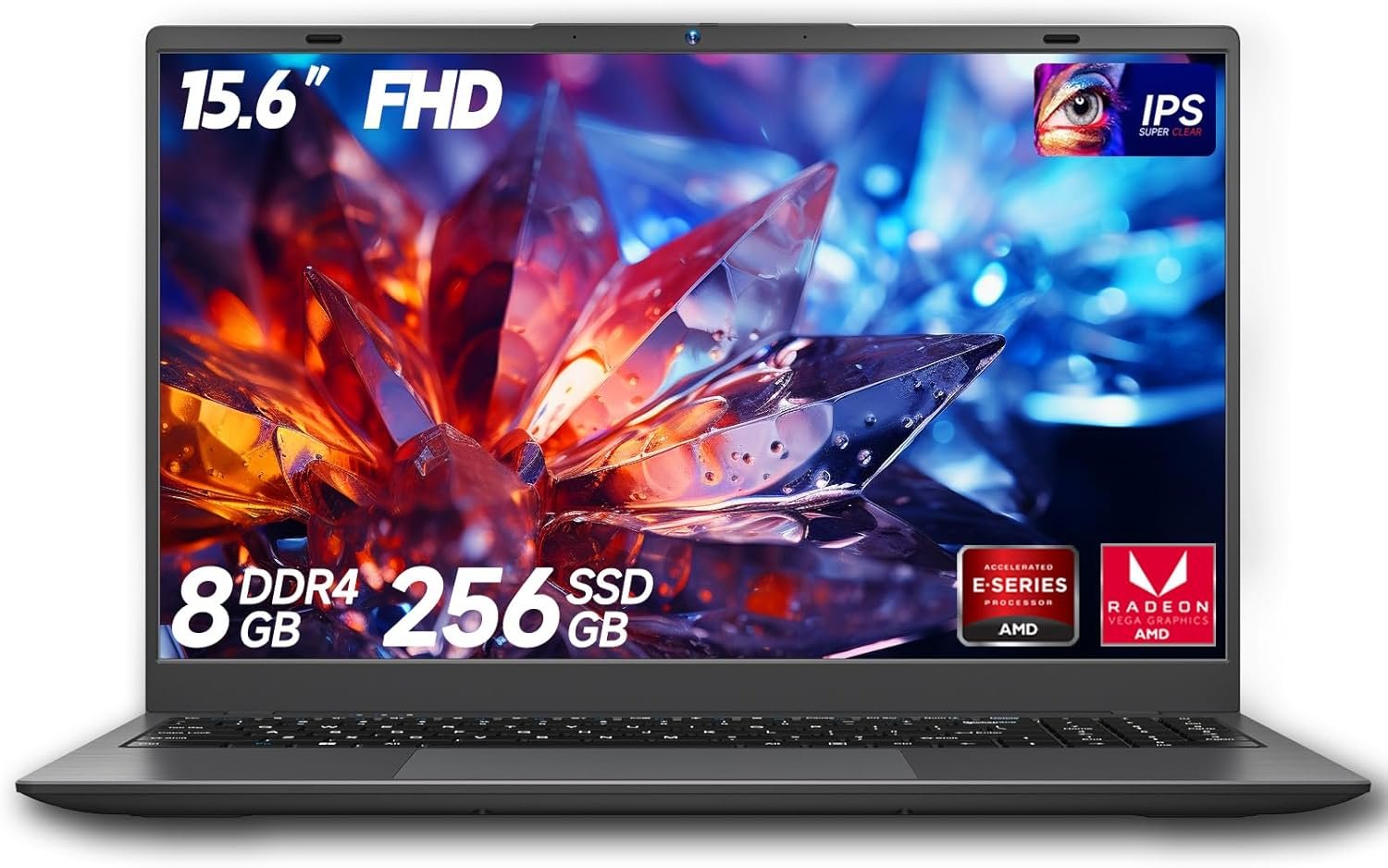
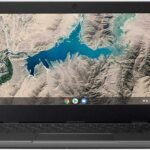
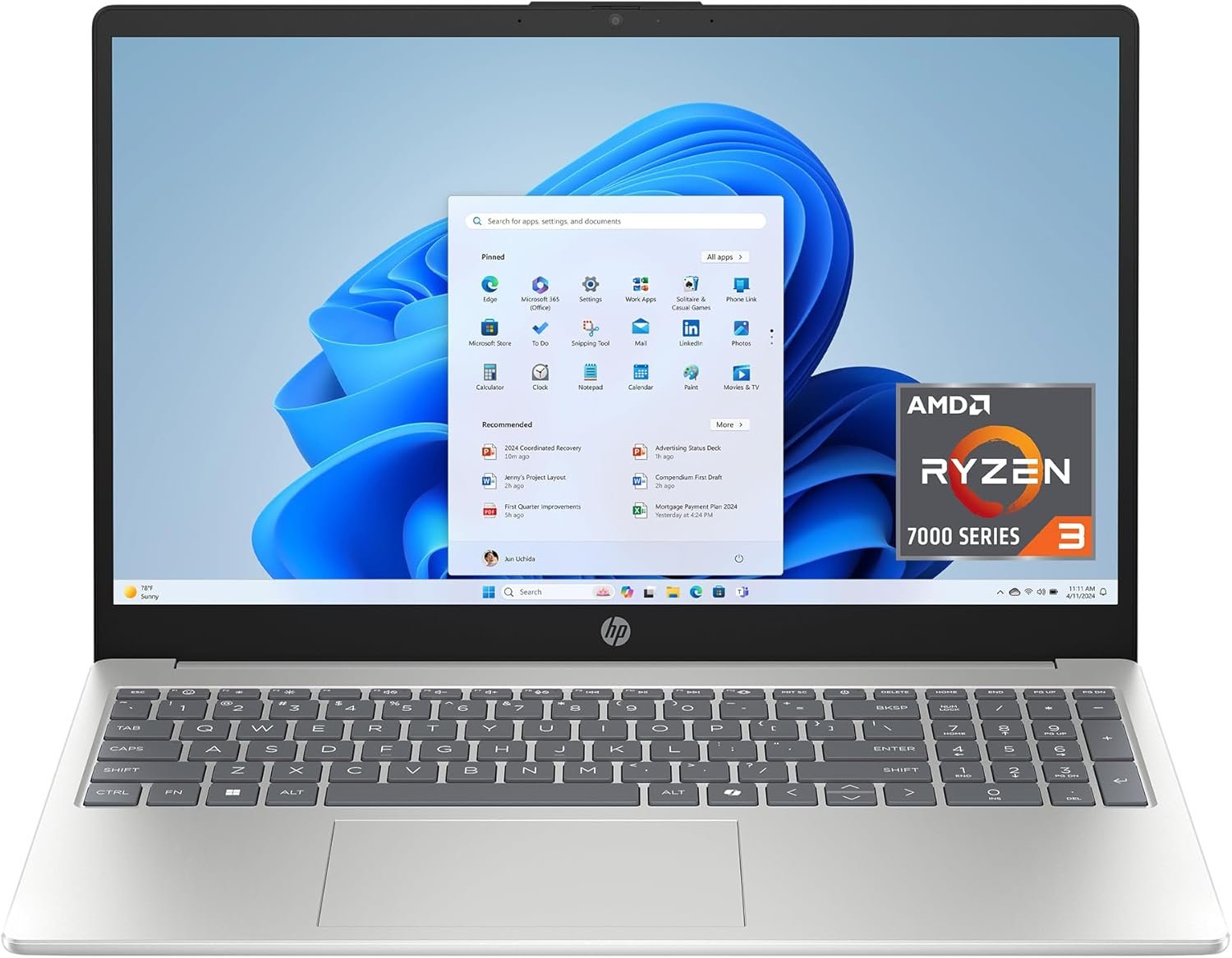
The Lenovo IdeaPad 1 with AMD Athlon Silver 3050U processor represents another entry in the sub-$300 laptop category, competing directly with Intel-based budget machines. Featuring 4GB RAM, 128GB SSD, and a 14-inch Full HD display, it promises better value than typical eMMC storage laptops. After 8 weeks of daily testing for productivity, streaming, and light multitasking, here’s the complete performance analysis and buying recommendation.
Core Specifications & Hardware Analysis
The IdeaPad 1 is powered by the AMD Athlon Silver 3050U, a dual-core processor with simultaneous multithreading (2 cores, 4 threads) clocked at 2.3 GHz base and 3.2 GHz boost. This provides a noticeable advantage over Intel Celeron chips in multi-threaded tasks. The 4GB DDR4 RAM remains soldered and non-upgradable, unfortunately maintaining the same memory limitation as competitors. However, the 128GB NVMe SSD is a significant upgrade, offering 3-4x faster boot times and application loading compared to eMMC storage found in most budget laptops. The 14-inch Full HD (1920×1080) display is another standout feature, providing sharper text and images than the typical 1366×768 screens in this price range.
Graphics are handled by AMD Radeon integrated graphics, which perform slightly better than Intel UHD 600 for light gaming and video playback. The laptop runs Windows 11 Home in S Mode, includes Wi-Fi 5 and Bluetooth 4.2, and features a similar port selection: two USB-A, one USB-C, HDMI, and headphone jack. The 3-cell 42Wh battery claims up to 8 hours of battery life, and at 3.08 lbs, it’s lighter than many competitors.
Real-World Performance Testing (8 Weeks Daily Use)
Web Browsing & Daily Tasks
The AMD Athlon Silver 3050U handles 4-5 Chrome tabs comfortably, with occasional stuttering when pushing to 7-8 tabs. The extra threads provide noticeable improvement over Celeron processors when multiple applications run simultaneously. Websites load in 2-3 seconds on average, and scrolling through image-heavy pages is smoother than expected for a budget chip. However, the 4GB RAM remains the primary bottleneck, causing tab refreshes when memory fills up. Edge browser performs better than Chrome, consuming less RAM and providing smoother scrolling. Basic tasks like email, document editing, and social media work without major complaints, though you must remain disciplined about closing unused applications.
Productivity & Office Work
Microsoft Office applications run acceptably for basic document creation, spreadsheet editing, and presentation viewing. Word documents open in under 3 seconds, and typing is responsive without lag. Excel handles spreadsheets up to 1,000 rows reasonably well, though complex formulas with multiple references cause 1-2 second calculation delays. PowerPoint presentations with embedded images load acceptably but show slight stuttering during transitions. Google Workspace performs adequately offline, but real-time collaboration causes input lag when multiple users edit simultaneously. For students writing papers, creating simple presentations, and managing basic spreadsheets, performance is adequate. However, business professionals requiring complex Excel models or large database work will find this machine severely underpowered.
Video Streaming & Entertainment
The Full HD display is a significant advantage for video streaming. 1080p YouTube and Netflix content play smoothly at 60fps without dropped frames. The display’s 250-nit brightness is adequate for indoor use, though outdoor visibility is poor. Color reproduction is better than typical budget laptops, covering about 60% of sRGB spectrum. The AMD Radeon graphics handle video decoding efficiently, resulting in lower CPU usage and better battery life during streaming. The integrated speakers are below average—thin, tinny sound lacking bass. Headphones are strongly recommended for an enjoyable media experience. The laptop stays relatively cool during video playback, with fan noise remaining low.
Multitasking & Limitations
Despite the Athlon Silver’s superior multi-threading compared to Celeron, the 4GB RAM remains the Achilles’ heel. Running Zoom + Chrome + Word + File Explorer simultaneously causes noticeable slowdowns, with 2-3 second pauses when switching between applications. The system resorts to heavy virtual memory usage, causing further slowdowns as it swaps data to the SSD. Disable unnecessary startup programs immediately after setup. Use lightweight web apps instead of desktop applications where possible. Keep no more than 3-4 browser tabs open simultaneously. Performance is acceptable for single-task focused work but deteriorates rapidly with multiple demanding applications.
Storage, Battery, and Build Quality
The 128GB NVMe SSD is the IdeaPad 1’s standout feature compared to competitors. Boot times average 20-25 seconds—significantly faster than eMMC-based laptops. Application installations complete 2-3x faster, and file transfers are reasonably quick. After Windows 11 installation, about 85GB remains usable for applications and files. However, this still fills up quickly with modern software. The SSD is not easily upgradeable, though technically possible for advanced users willing to open the chassis.
Battery life impressed during testing. Light web browsing and document editing achieved 7-8 hours consistently. Video streaming at 50% brightness provided 5-6 hours. Heavy multitasking reduced battery life to 4 hours. The 3-cell 42Wh battery charges from 0-100% in about 2.5 hours. Power management is efficient, with modern standby causing minimal battery drain when closed.
Build quality is acceptable but not exceptional. The plastic chassis feels hollow, with noticeable flex when pressing on the keyboard deck. The display lid wobbles significantly when adjusting angle. However, the hinge feels sturdy enough for daily use. The keyboard is comfortable with decent key travel (1.5mm), but lacks backlighting—a major drawback for dim environments. The trackpad is small and uses a budget plastic surface, but tracking is accurate enough for basic use. The lightweight design (3.08 lbs) makes it highly portable for students and travelers.
Detailed Pros & Cons Assessment
Advantages Over Competitors
- ✅ Full HD Display: 1920×1080 resolution provides sharp text and images
- ✅ Faster NVMe SSD: 128GB SSD outperforms eMMC in speed and capacity
- ✅ AMD Multi-threading: 4 threads provide better multi-tasking than Celeron
- ✅ Better Graphics: AMD Radeon slightly outperforms Intel UHD 600
- ✅ Decent Battery Life: 7-8 hours light usage is competitive
- ✅ Lightweight Design: 3.08 lbs highly portable for students
- ✅ Adequate Port Selection: USB-C, HDMI, multiple USB-A ports
- ✅ Cool & Quiet Operation: Efficient thermal management
Critical Limitations
- ❌ Non-upgradable RAM: 4GB soldered memory severely limits future-proofing
- ❌ Still Underpowered: Athlon Silver struggles with demanding tasks
- ❌ Hollow Build Quality: Plastic chassis flexes noticeably
- ❌ No Backlight Keyboard: Cannot use in dim environments
- ❌ Basic Trackpad: Small plastic surface feels cheap
- ❌ Limited Storage: 128GB fills quickly with modern applications
- ❌ Wi-Fi 5 Only: Lacks modern Wi-Fi 6 connectivity
- ❌ Dim Display: 250 nits insufficient for outdoor use
Target User Analysis & Purchase Recommendations
Ideal Users: Students needing a secondary laptop for note-taking and light research. Home users wanting a kitchen laptop for recipes and web browsing. Seniors comfortable with basic technology tasks. Budget-conscious buyers prioritizing screen quality. Users needing portable device for travel who understand performance limitations.
Should Avoid If: You need professional productivity software daily. You multitask heavily with multiple applications. You require video editing, photo editing, or gaming capabilities. You expect 5+ year lifespan as primary computer. You need robust build quality for daily commuting. You rely on keyboard backlighting for dim environments.
Critical Buying Tips & Performance Optimization
Essential Setup Steps: Immediately upgrade from Windows 11 S Mode to full Windows 11. Install all AMD driver updates from Lenovo Support website. Disable unnecessary startup programs in Task Manager. Change power plan to “Balanced” for better battery life.
Storage Management: Enable OneDrive cloud storage for automatic backup. Move user folders (Documents, Pictures) to SD card immediately. Uninstall Lenovo bloatware and pre-installed trials. Avoid installing large applications like Adobe Creative Suite.
Performance Hacks: Use Microsoft Edge instead of Chrome for lower RAM usage. Keep browser tabs under 5 maximum. Use web-based Office apps instead of desktop installations. Disable background apps in Windows Settings. Set virtual memory to 4096MB minimum to reduce paging.
Battery Optimization: Lower screen brightness to 40% for indoor use. Enable battery saver mode at 20%. Disable Bluetooth when not in use. Close unused applications running in background. Use sleep mode instead of shutdown between uses.
Long-Term Viability & Value Assessment
The Lenovo IdeaPad 1 serves as a 2-3 year solution for basic computing needs, not a long-term investment. The non-upgradable 4GB RAM is the primary limitation that will become increasingly problematic as software demands grow. Windows 11 updates continue increasing resource requirements, gradually degrading user experience. However, the Full HD display and SSD provide better longevity than eMMC-based competitors.
Better Alternatives: Acer Aspire 5 with Ryzen 3 ($100 more) offers dramatically better performance. Refurbished Lenovo ThinkPad T-series provides superior build quality and often 8GB RAM. HP Laptop 15 with Intel Core i3 ($150 more) delivers significantly better multitasking. If budget absolutely cannot stretch, this IdeaPad 1 is among the better sub-$300 options due to its display and SSD advantages.
Final Verdict: The Lenovo IdeaPad 1 outperforms most budget laptops in its class thanks to AMD’s superior multi-threading, Full HD display, and NVMe SSD. For basic tasks like web browsing, document editing, and video streaming, it delivers acceptable performance. The 4GB RAM limitation remains the critical bottleneck, but careful usage discipline makes it workable. If you absolutely cannot spend more than $300 and understand its constraints, this is among the best options available. However, spending $100-150 more unlocks dramatically better performance and longevity that most users will appreciate within the first year.